






Ready for social media
Every service, guide and team page has its own clean address and preview, so a link you post on Facebook, Instagram or Google looks professional and goes straight to the right page.
Share-ready pagesHear Calls, Speak with your virtual receptionist, see your future website, and book a meeting with us.Choose your industry
Every industry includes a website, an AI phone number, texting, booking and a CRM.
Real calls
AI-powered, answering every call, any hour.
An SEO-focused dental website connected to an AI front desk that answers every call and message 24/7, triages emergencies, books new-patient and recall visits and explains insurance and CDCP basics.Your team gets a briefing on every call, so staff spend less time on the phone and more time with patients.
✓ Independent Dentists✓ Family Practices✓ Multi-Chair Clinics
Real Dental calls
AI-powered, answering every call, any hour.
The AI Dental Front Desk
Your AI front desk answers every call, triages emergencies, books new-patient and recall visits, answers insurance and CDCP basics and briefs your team after every call.
What you get
Lunch hour, evenings and weekends: callers get a real conversation and a booked visit, not voicemail.
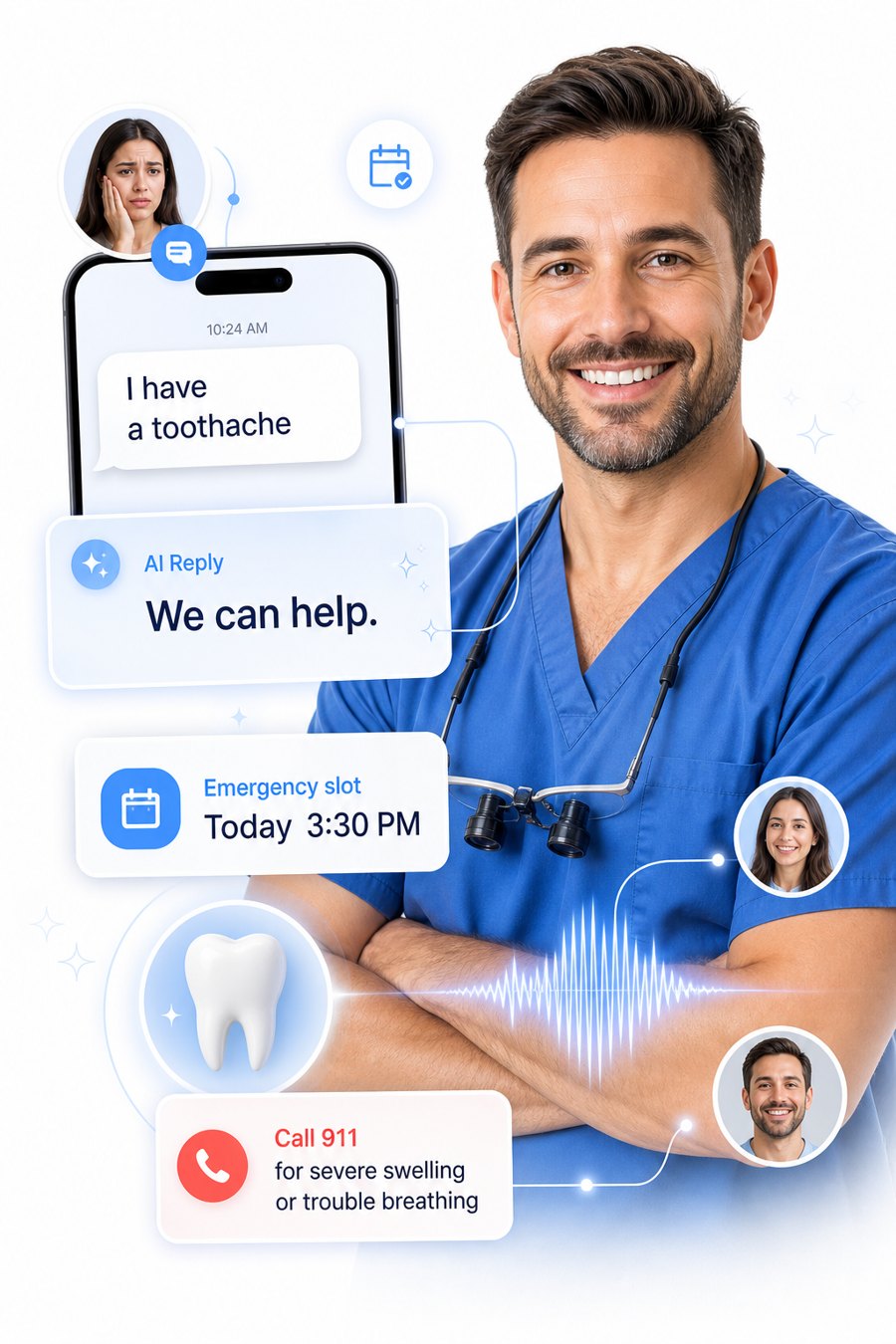
Urgent callers are triaged, sent to 911 when needed and offered your earliest emergency time.
Confirmations, reminders and insurance or CDCP questions are handled, and your team gets a clean summary.
New patients call several practices and book the first one that answers. This is a friendly, rule-bound front-desk assistant that answers every call and message, books new-patient visits and emergencies, answers insurance and CDCP questions in general terms, and hands your team a clean summary.
Example call
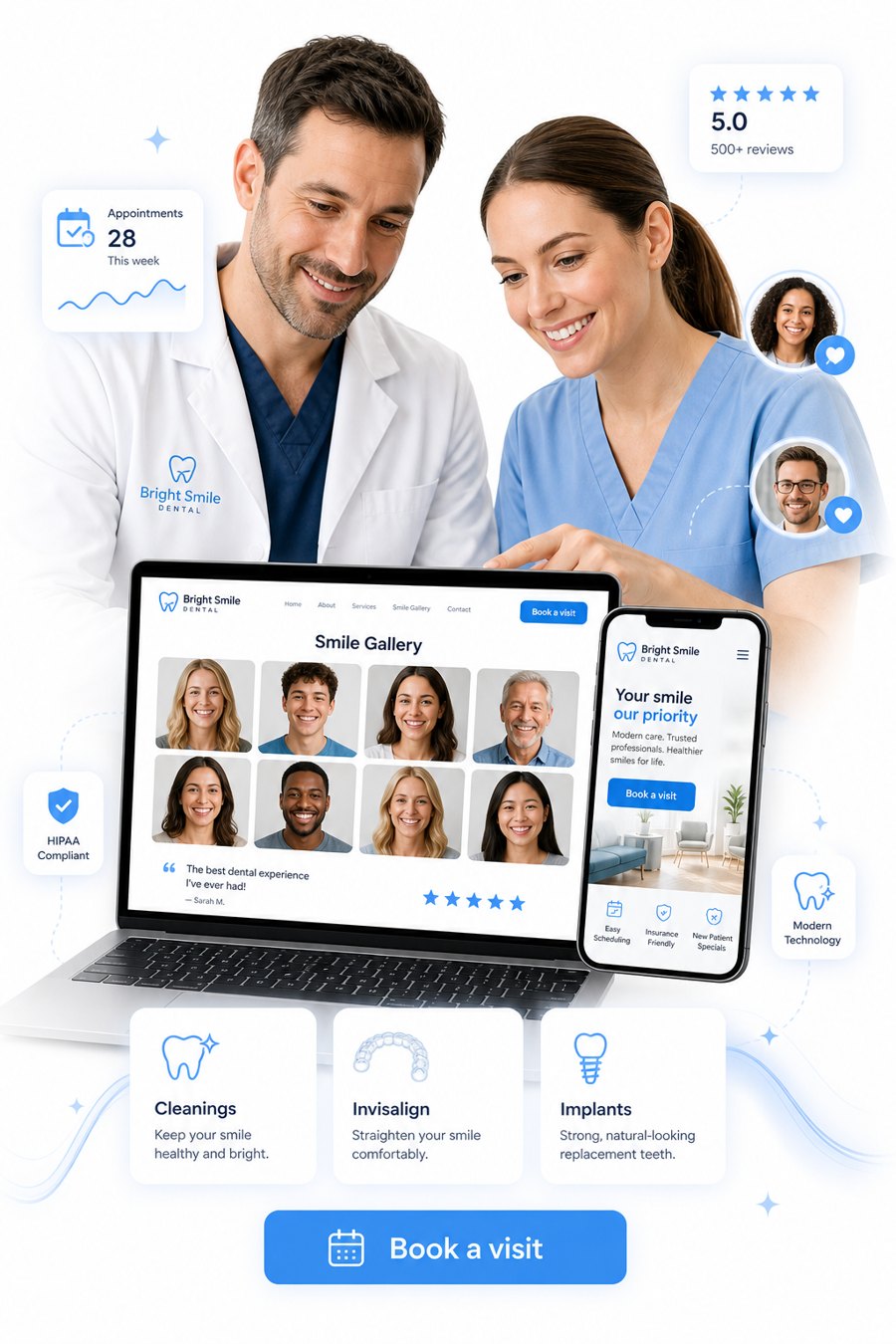
Fourteen service pages, twelve GTA "dentist in your city" pages and eighteen patient guides come ready to go. A hero slider, a smile gallery and online booking are included.
The demo is a fictional practice. A real practice replaces the sample details with its own.
Front desks are busy with patients in the chair, so calls go to voicemail. Most callers do not leave a message; they call the next practice.
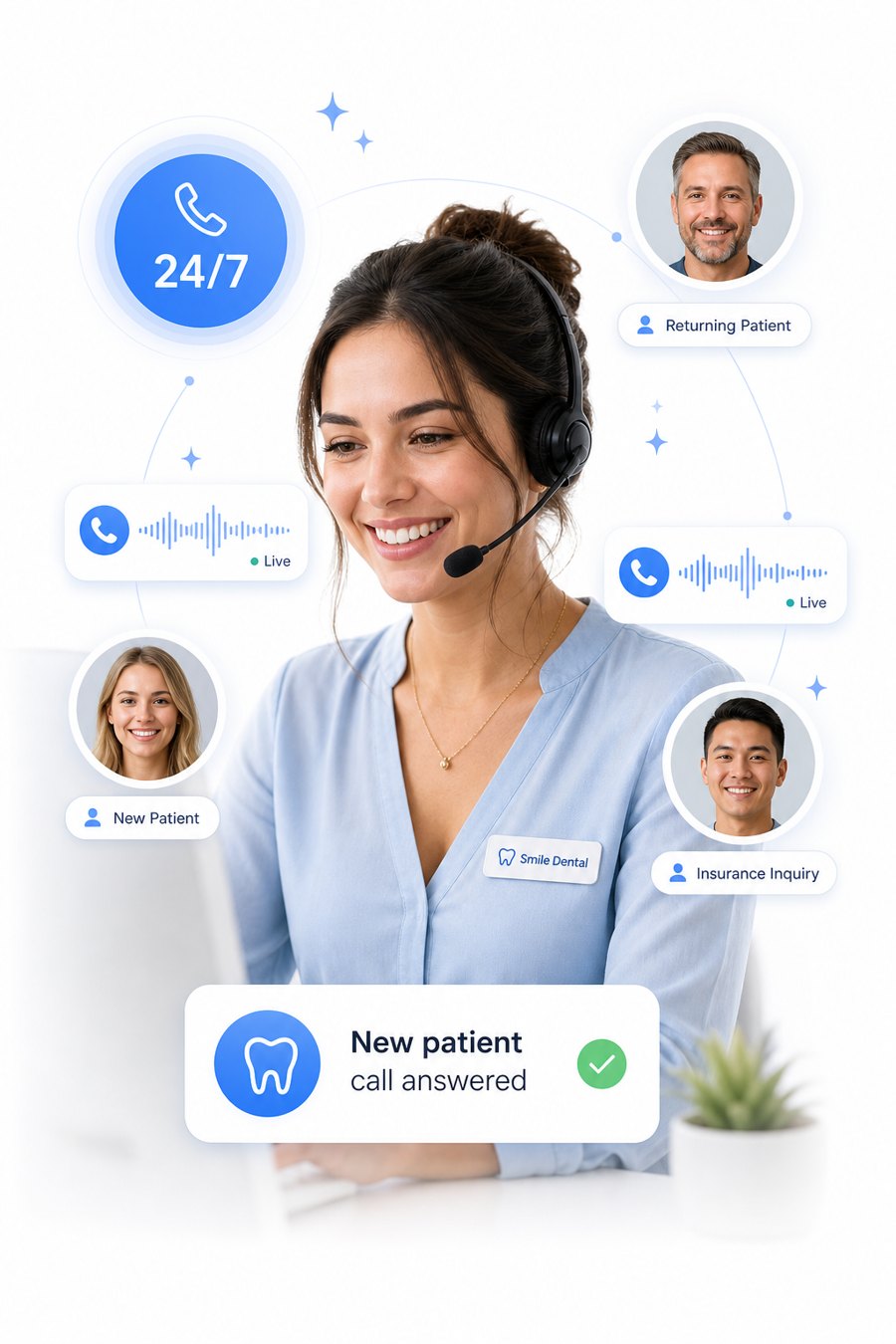
It answers in plain language, patient with nervous callers, checks for emergencies, finds the right visit and books it.
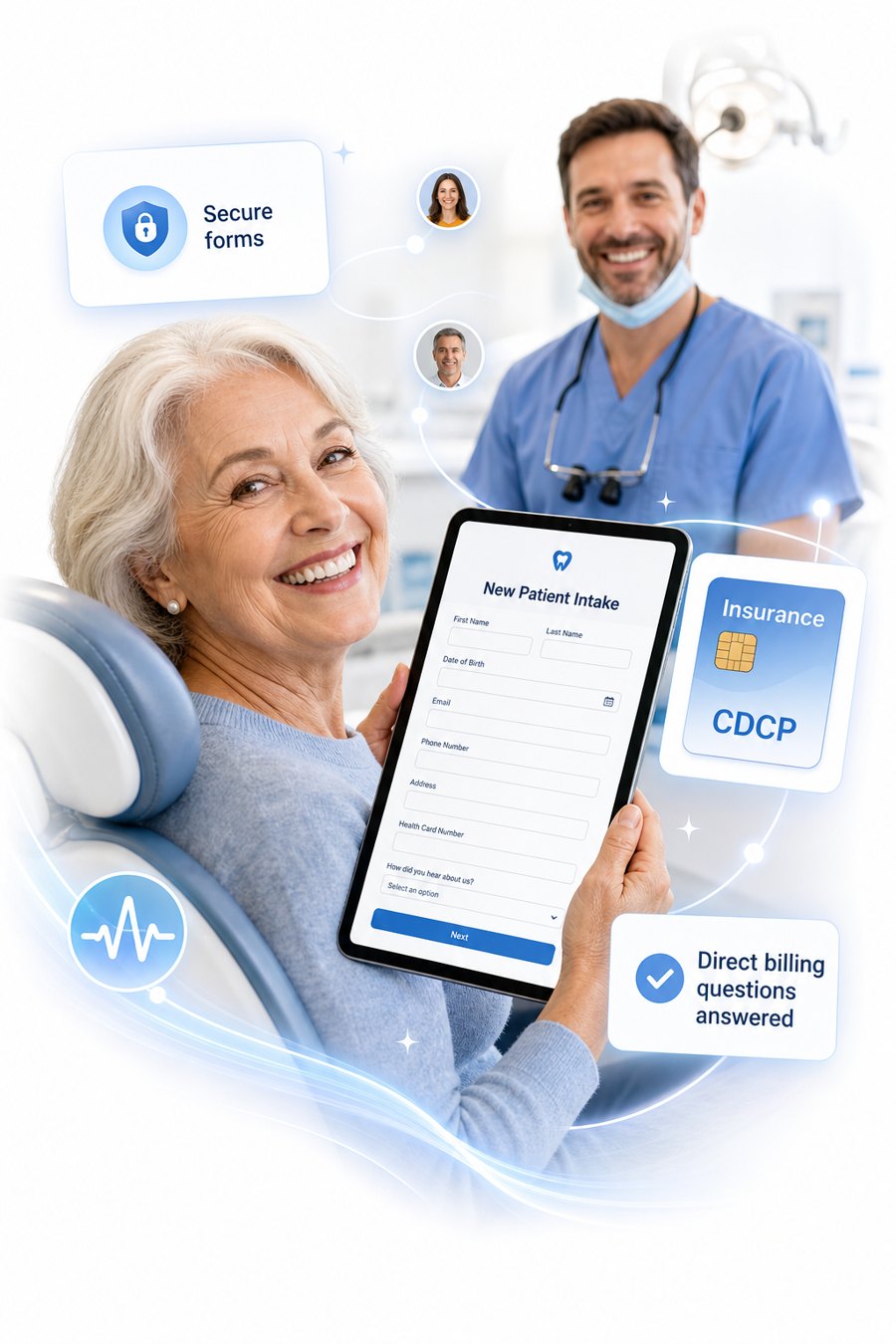
Patients complete their details before the visit, and the assistant explains insurance and the Canadian Dental Care Plan in general terms, then hands specifics to your team.
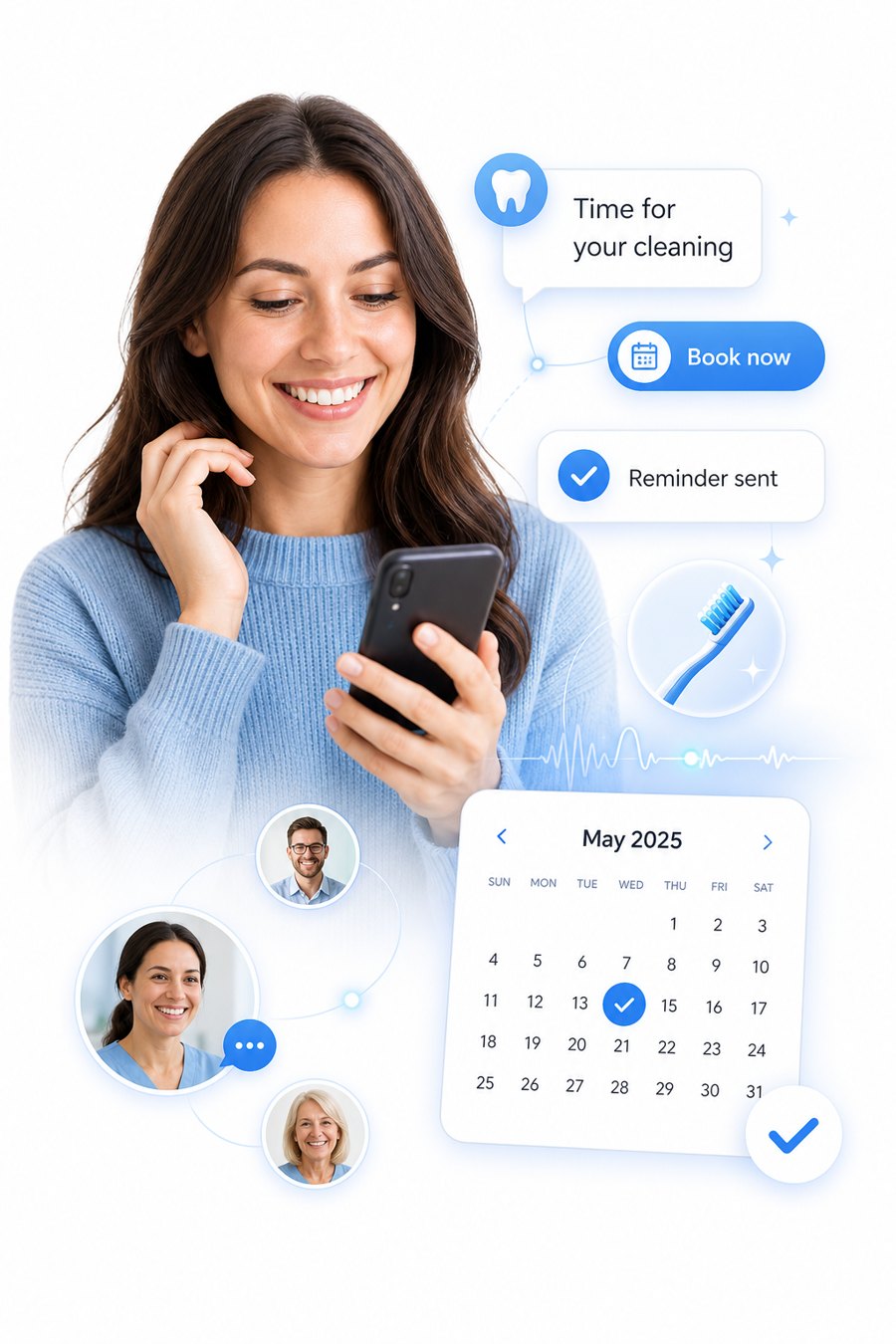
Reminders, reschedules and cancellations go out by text and email, and recall reminders for cleanings can be switched on when you are ready.
Included in every package
You do not buy a website separately and you do not wait on a designer. A complete, fast dental website is set up with your account, and every page is built to be shared on social media and to turn visitors into new patients.
Every service, guide and team page has its own clean address and preview, so a link you post on Facebook, Instagram or Google looks professional and goes straight to the right page.
Share-ready pagesEach service has its own landing page with a request form already on it. A visitor reading about Invisalign or emergency care can ask for an appointment without leaving the page, and the request lands in your inbox tagged with the service they chose.
Service landing pagesA step-by-step new patient application that works on a phone, saves progress and fills in your practice name, logo and policies for you. Patients print a completed form to bring with them, so the first visit starts faster.
Dynamic new-patient formFamily doctors, specialists and happy patients can refer someone in a minute. The referral goes to your inbox with the patient’s details and how soon they need to be seen, and a printable blank form is there for offices that prefer paper.
Patient referralsOpen times come from your own calendar and business hours. Patients pick a time on the site and get a confirmation by email and text.
Online bookingYour team, hours, services, patient guides and policies update from one place, and the website follows. Turn any page on or off whenever you like.
Easy to manageThe website, the AI front desk and your inbox work together: a lead from any page or phone call is saved to your contacts the moment it arrives.
Works with the software you already use
Most dental offices keep their real schedule in their practice software. So you decide how much the AI is allowed to do on its own, and you can change it any time.
The safest start. The AI collects the patient’s details and the days and times that suit them, tells them the team will confirm, and sends a confirmation text and email. Your front desk books it in your own software.
Recommended to startYou set aside times each day for new patients and emergencies. The AI books only into those times on a connected calendar (ours, Google or Outlook), so it never touches the rest of your schedule.
Live booking, protectedFor offices where our calendar, or one we connect, is the master schedule. Patients book any open time by phone, chat or the website, and confirmations go out right away.
Fully automaticTell us which practice software you use when you sign up and we will explain what works best for your office. We do not promise a direct connection to every system, and your patient charts and clinical records stay in your own software.
Built around real dental front-desk problems
Dental offices lose new patients to unanswered phones, lose chair time to no-shows and spend hours explaining the Dental Care Plan. Here is how this platform takes that work off your team.
The AI answers calls and messages around the clock and briefs your team afterwards, so your staff can spend more of the day with the patients in front of them.
Front-desk reliefLunch hour, evenings and weekends: callers get a real conversation and a booked visit, not voicemail. Emergencies are triaged and pointed to 911 or your earliest urgent slot.
Every call answeredConfirmation and reminder sequences by text and email, with one-tap confirm, reschedule or cancel links, so changes reach you early instead of at the chair.
No-show remindersAn open slot is offered by text to patients who asked to hear about short-notice openings. The first to claim it gets it, and the others are told it is taken.
Cancelled-slot backfillUpload your overdue list and recall messages go out by text, then email, with a booking link, and stop once the patient books. It works from your list and does not sync with your practice software.
Recall campaignsThe AI explains the Canadian Dental Care Plan in general terms, collects CDCP new-patient inquiries and hands them to your office, which confirms coverage. It never states what a plan will cover.
CDCP intake flowAfter a visit, one friendly request goes out with your review link. Patients can share private feedback with your office first, and everyone always has a direct link to your public review page.
Review requestsWorks from your own contacts, booking calendar, texts and emails. It does not replace your practice management software, verify insurance or submit claims, and every automated message follows your patients’ consent and opt-out choices.
Simple pricing
Your website, CRM, AI voice and chat, booking and phone number are in every plan. The plans differ only by how many AI phone minutes are included, so you never have to guess which features you need.
A busy practice that wants every call answered and every lead captured.
Need more minutes? We will talk it through with you.
Appointment-driven businesses with steady call volume. Our most common choice.
Need more minutes? We will talk it through with you.
High-volume teams that want the AI to carry the front desk.
Need more minutes? We will talk it through with you.
Prices are per month, with no per-user fees. Every account starts with a custom trial so you can hear it answer for your business before you decide.
No. It is a front-desk assistant, not a dentist. It books visits, explains what a service is in general terms, handles emergencies by pointing to 911 or the earliest urgent slot, and takes a message for your team. It never diagnoses or recommends treatment.
No. It tells patients the dentist gives a written estimate before treatment. That keeps you consistent with your fee guide and avoids surprises.
It explains in general terms that your office submits claims to most insurers and can tell patients whether you accept the Canadian Dental Care Plan, then points them to canada.ca for eligibility. You set the specifics for your practice.
The assistant answers, checks for emergencies that need 911 (trouble breathing or swallowing, spreading swelling, heavy bleeding), offers the earliest emergency appointment, and sends your team the details.
It books through the platform calendar with your chosen appointment types, hours and buffers, and sends the patient a confirmation by text and email. Changes and cancellations are handled the same way.
The platform is hosted on Canadian AWS infrastructure and designed around Canadian privacy law. Callers are told when calls may be recorded and processed, and you stay in control of your data.
No. It works from your own contacts, the booking calendar, texts and emails, so there is nothing to install in your practice software. It does not sync with Dentrix, Eaglesoft, Open Dental or Jane, verify insurance, submit claims or write to patient charts.
No. It explains the plan in general terms, collects the details of a new-patient CDCP inquiry and tells the patient your office will confirm coverage and any estimate. It never states what a plan will pay.
Automated messages go only to patients who can be contacted, include your practice name and an opt-out, honour STOP replies, stay out of quiet hours and are limited in frequency. You control the timing and wording, and you can preview each campaign before it sends.
The platform is designed to support Canadian privacy expectations and is hosted in Canada, but AI Canadian Solutions is not independently certified or audited against any privacy standard. Using it does not by itself make a practice compliant, so your practice stays responsible for consent and its own privacy obligations.
You choose. Request mode is the safest start: the AI collects the details and the days and times that suit the patient, tells them your team will confirm, and your front desk books it in your own software. Reserved slots lets the AI book only into times you set aside. Full live booking is for offices whose master schedule is our calendar, or one we connect. You can change it at any time.
Not if you choose the right mode. In request mode and in reserved slots mode the AI never touches the rest of your day, so your schedule stays yours. We help you pick the mode that fits how your office works.
Every practice runs differently, so we do not promise a direct connection to every system. Tell us what you use when you sign up and we will explain exactly what works best for your office. Your patient charts and clinical records stay in your own software.
It saves your front desk time. Patients can fill in a clear online form on their phone, or print it and bring it, with your practice name, logo and policies already on it. What goes into your own patient records is still up to you.
Yes. Your website has a simple referral form for family doctors, specialists and happy patients. It goes straight to your inbox with the patient's details and how soon they need to be seen, and there is a printable version for offices that prefer paper.
A confirmation by text and email, so they know it was received. If anything changes your team gets in touch, and patients can reach you at any time.